
Saving Payment Methods
If your Booking Pages are using the “Verify Mobile Phone” option for authentication, then your clients will have the option to “Save card for future payments” when they book time with you.
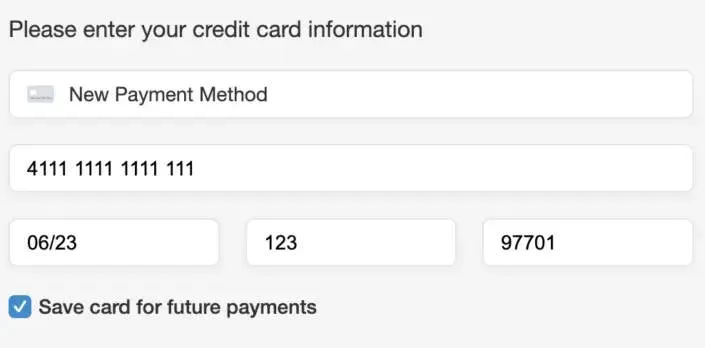
Your clients can then save time the next time they book with you by selecting a saved payment method.
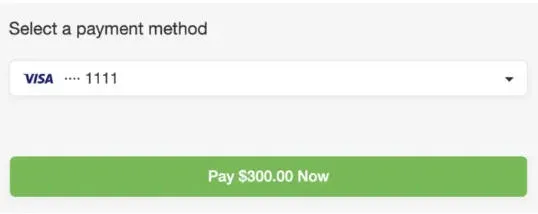
Please note that the Credit Card information IS NOT stored by Apptoto. Instead Apptoto will create (or update) a Customer in your Payment Processor with the Credit Card information.
Saving Payment Methods with no Authentication
Section titled “Saving Payment Methods with no Authentication”If your Booking Pages do not use the “Verify Mobile Phone” option for Authentication (or if your client does NOT opt to “Save card for future payments”), then Apptoto will refrain from saving the Credit Card information unless it may be used later to capture a no-show fee, or collect the remainder of a charge.
If it is the case that you are using a no-show fee or deposit option on your Booking Pages, then Apptoto does need to stash the payment information somewhere for later use. In that case, Apptoto will create a fake customer in your Payment Processor for this purpose. The name of the customer will be “Anonymous Apptoto Customer”. All Credit Cards gathered through non authenticated Booking Pages will be added to that customer if needed.