
Stay Informed
Stay Up-to-Date with Apptoto Notifications
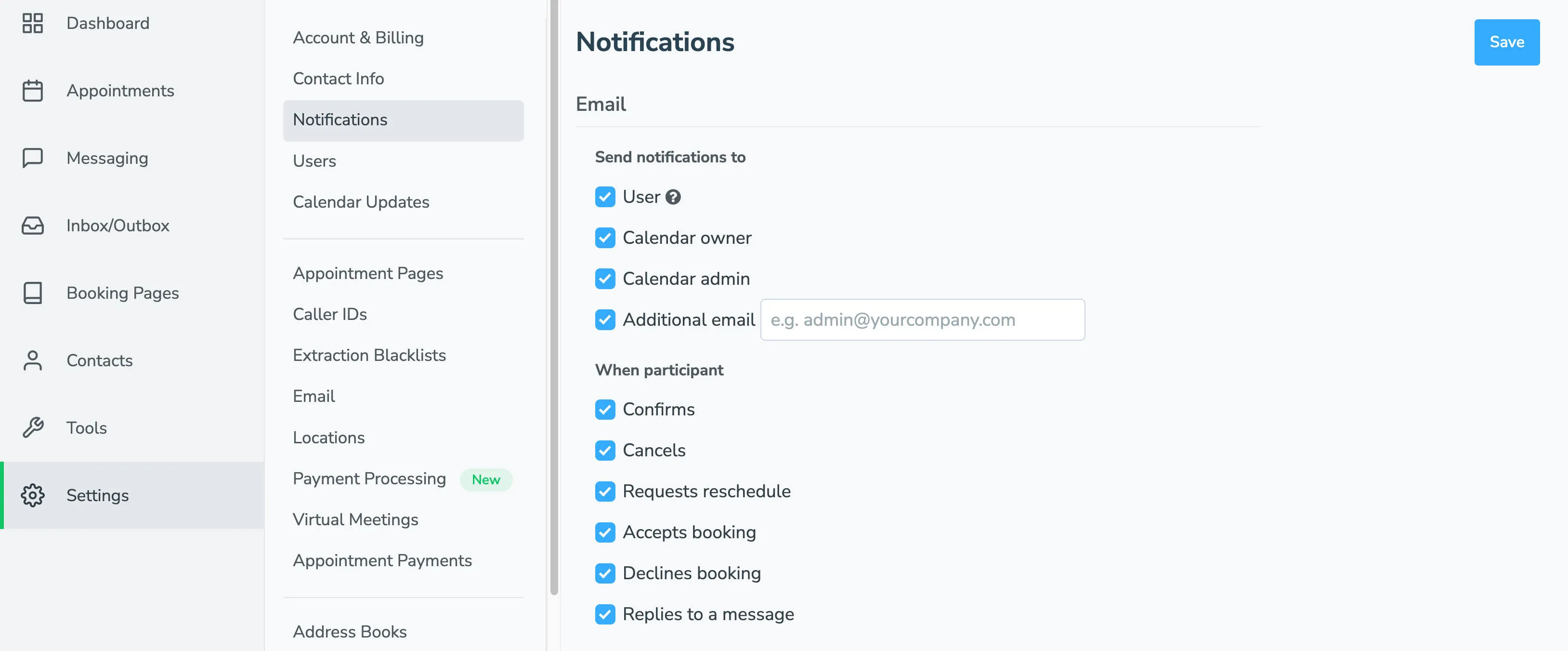
Section titled “Stay Up-to-Date with Apptoto Notifications”Since Apptoto operates as a set-it-and-forget-it service, a notification system keeps you informed about significant calendar events. Access all notification settings through Settings > Notifications in your account.
You can receive alerts when event participants take specific actions, such as confirming appointments, canceling, or requesting rescheduling. These notifications help you stay updated without manually checking your calendar or account.
Payments Notifications
Section titled “Payments Notifications”When Payments are enabled, additional notification options appear on the Notifications tab. You can receive alerts for payment submissions, deposit processing, refund issuance, and other payment-related events.
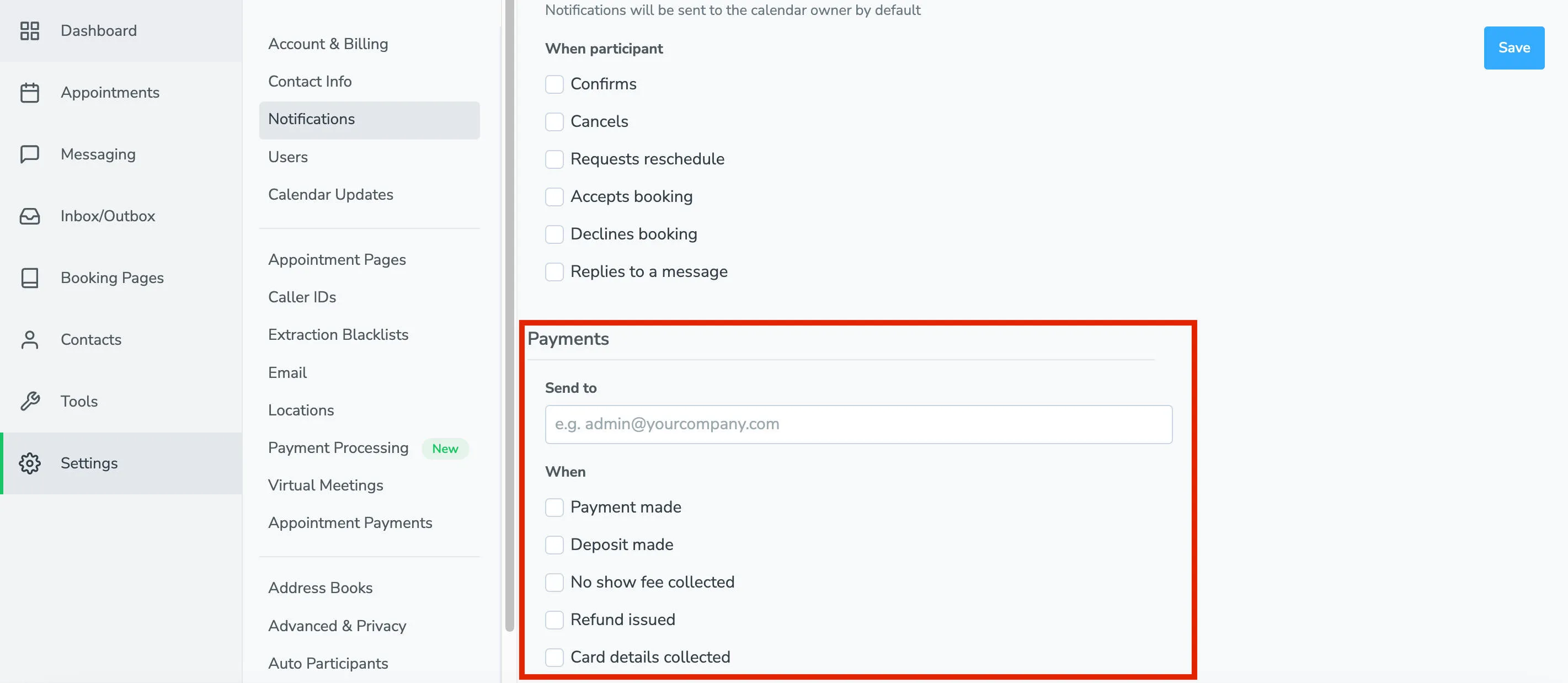
Each notification type can route to the account owner, calendar owner, a designated admin, or other selected contacts via email and/or text message.
For detailed configuration of each notification type, see Notifications for Appointment Responses, Changes & Payments
What’s next
Section titled “What’s next”Check out our advanced features and stay informed about new product releases, updates, and more!