
Explicit Contact Matching
Manually assign a specific contact to an appointment using explicit contact matching when Apptoto cannot automatically extract or match one.
Apptoto allows you to manually assign a specific contact to an appointment from the Appointments page if one is not automatically extracted or matched. This is particularly useful when Apptoto cannot locate a contact due to formatting issues, such as missing capitalization.
How to match a contact manually
Section titled “How to match a contact manually”To match a contact manually, click the + symbol within the Participant Info column.

After clicking the green + symbol, the contact form opens with suggested contacts, allowing you to add your participant. You can either:
- Type the information directly in the Name, Phone, and Email fields, or
- Match to the Suggested Contacts that appear
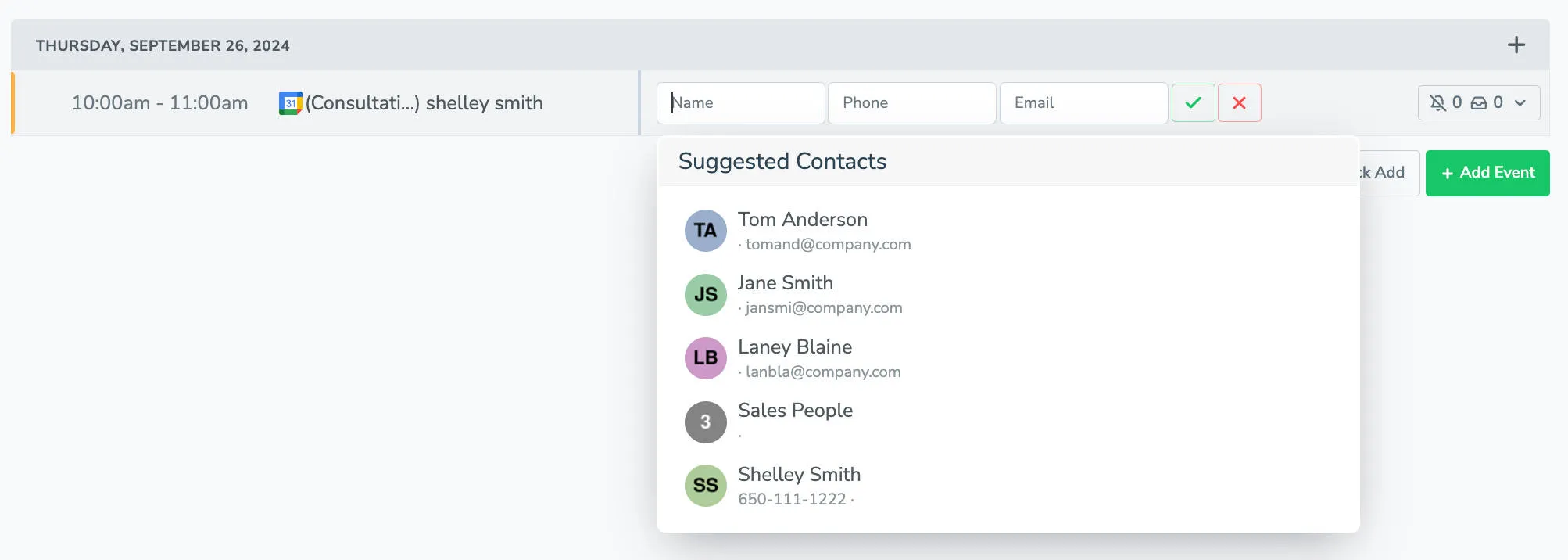
Once you select the suggested contact or type in the information, the participant is added to the appointment and will receive messages.
