
Group Users
Group Users are for organizations that need separate Apptoto accounts under a single billing umbrella — for example, a franchise, a business with multiple locations, or a business where every team member needs their own account (separate from team members).
Unlike inviting users to share access to a single account (see Adding Users to Your Account), each Group User has their own individual Apptoto account, with their own calendars, settings, and login.
To create a group, please contact us at support@apptoto.com.
Once your group is set up, two new tabs appear under the Settings tab:
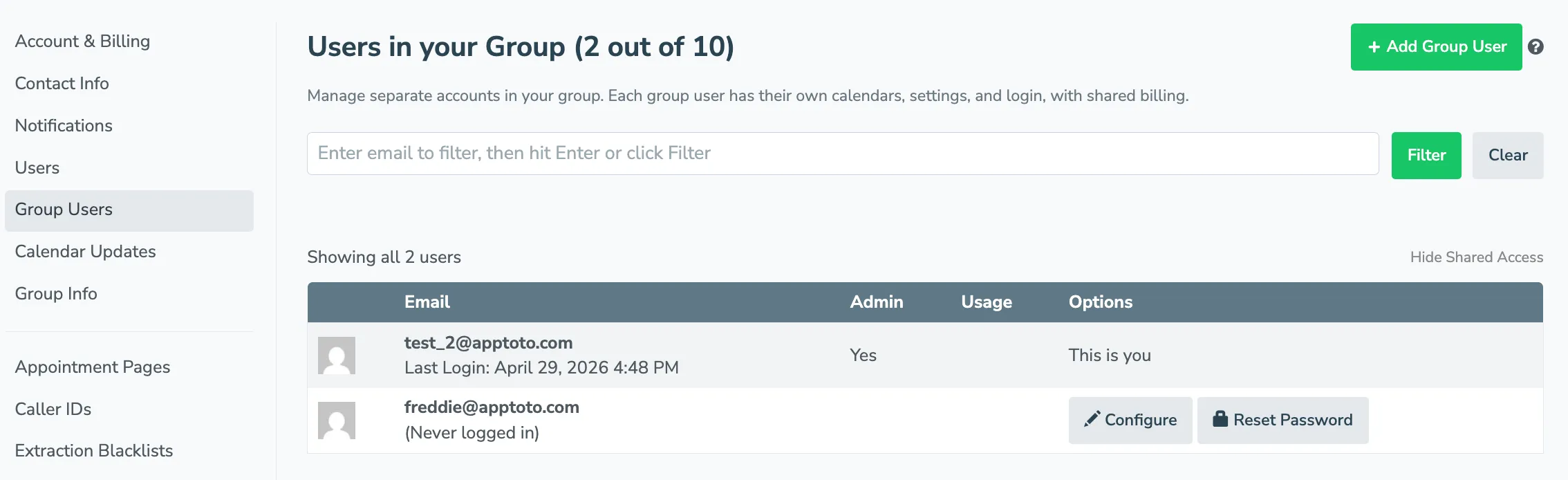
- Group Users: Add and manage the sub-accounts in your group. You can add accounts directly and have Apptoto send a welcome email, or share the Group Signup Page link so new users can sign themselves up into your group.
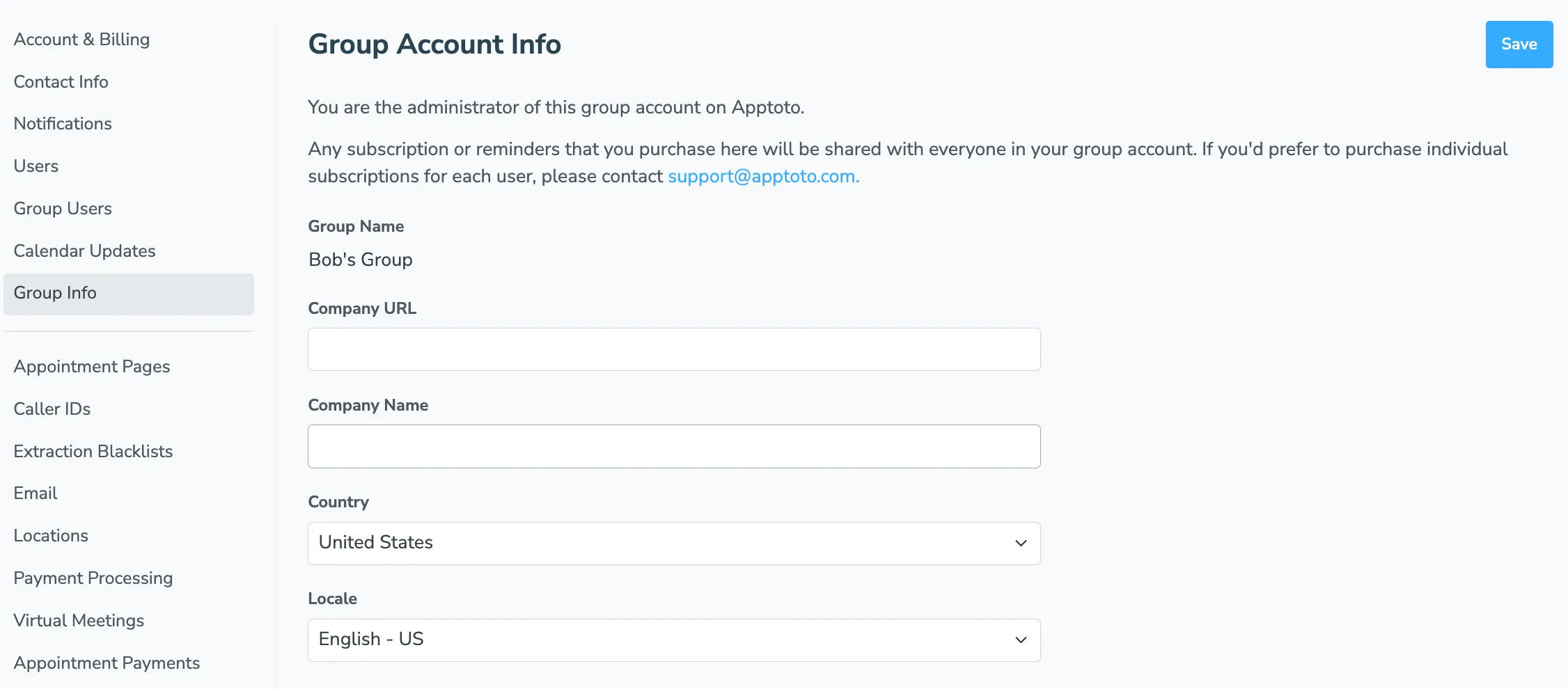
- Group Info: Shared group account info managed by admins only — group name, company URL, company name, country, and locale. Subscriptions and reminders purchased here are shared with everyone in the group.
The Group Users tab also includes a search box — enter an email and click Filter to narrow down the list when you have a lot of users — and a Hide Shared Access toggle in the upper right that collapses the rows showing which Additional Logins each user has.
Adding a new user under the group account
Section titled “Adding a new user under the group account”Click Add Group User to open the new user form:
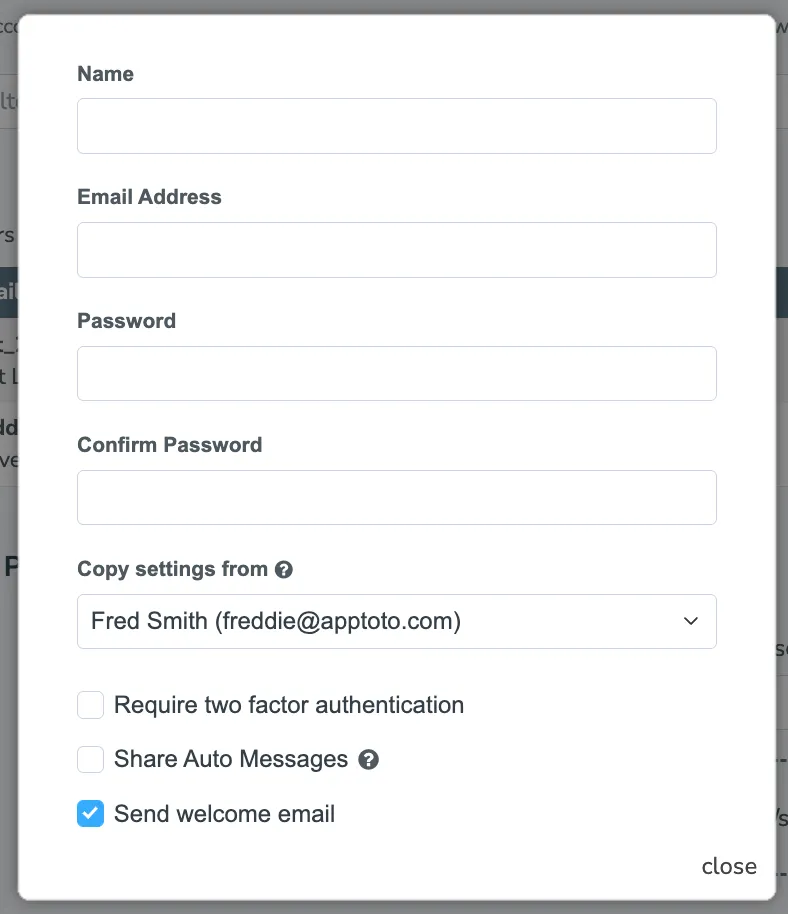
- Name, Email Address, Password, and Confirm Password — the credentials and contact info for the new account.
- Copy settings from — pick an existing user in your group to copy their company logo, name, URL, auto message settings, and locations onto the new account. The new user does not inherit calendars, contacts, or admin privileges from the chosen user.
- Require two factor authentication — check this to require the new user to set up 2FA before signing in.
- Share Auto Messages — when checked, the new user shares the Auto Message templates of the user you copied settings from instead of getting their own copy.
- Send welcome email — when checked (the default), Apptoto emails the new user with a link to sign in.
Group Signup Page
Section titled “Group Signup Page”Below the user list on the Group Users tab is the Group Signup Page section. This gives you a self-serve signup link that adds anyone who completes signup into your group account.
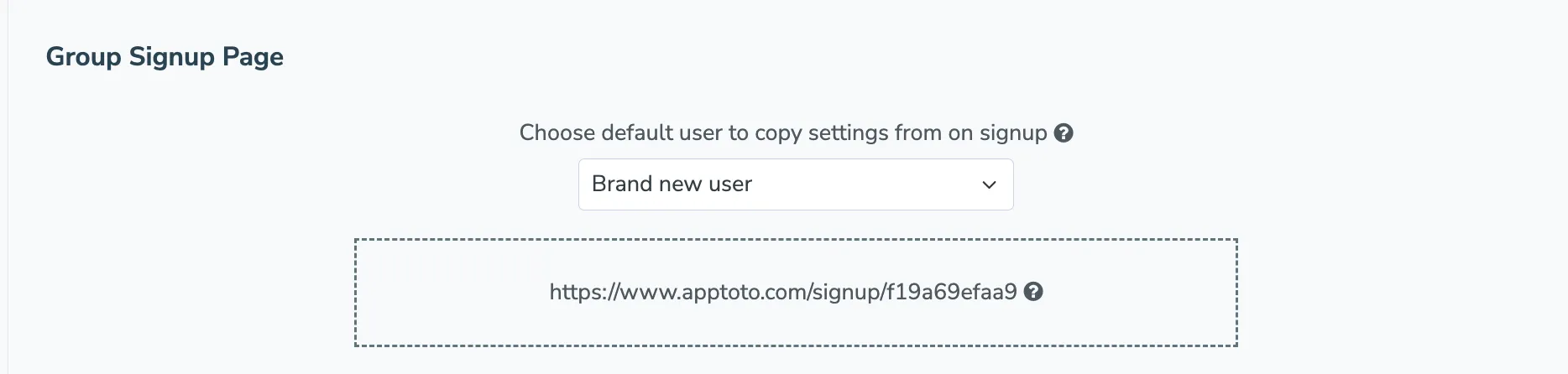
- Choose default user to copy settings from on signup — pick Brand new user to start signups with default settings, or pick an existing user in your group to copy their company logo, name, URL, auto message settings, locations, and other settings onto new accounts. The new user does not inherit calendars, contacts, or admin privileges from the chosen user.
- Signup link — copy this URL and share it with anyone you want to add to the group. After they sign up at this URL, their account is automatically part of your group for billing and configuration purposes.