
Automatically Sending Auto Messages
Enable Auto Messages to let Apptoto send custom call, text, and email appointment messages to your clients or patients automatically.
Once you have customized your Appointment Auto Messages tab with your call/text/email messages and rules, turn on Auto Messages so Apptoto will automatically deliver your appointment messages.
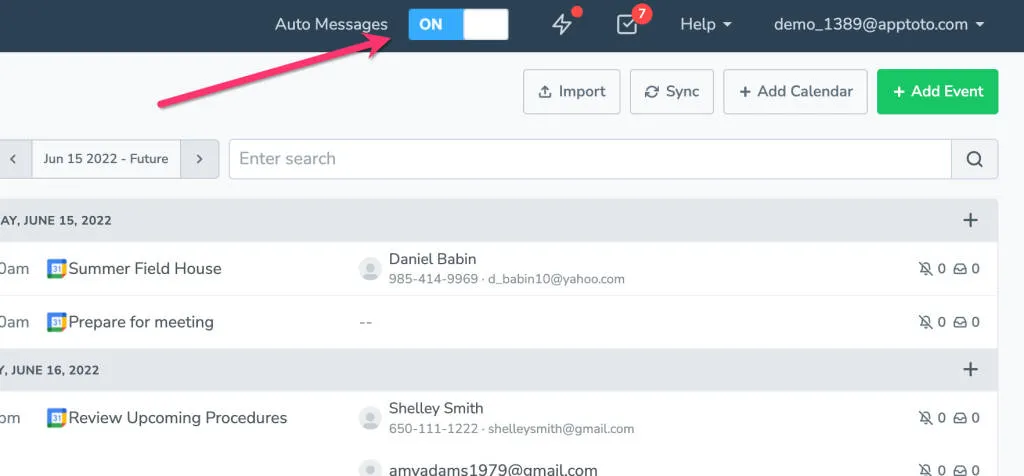
To turn on Auto Messages, simply change the Auto Messages toggle at the top of your account screen to ON. That will then send the messages from your account, according to any rules you have in place.
You can continue to add, edit, and update appointments on your existing calendar. Apptoto will sync with your calendar and run in the background to ensure your clients or patients receive their appointment messages.