Exporting Appointment Data
Export all of your Apptoto appointment data since the start of your account to .csv using this step-by-step guide.
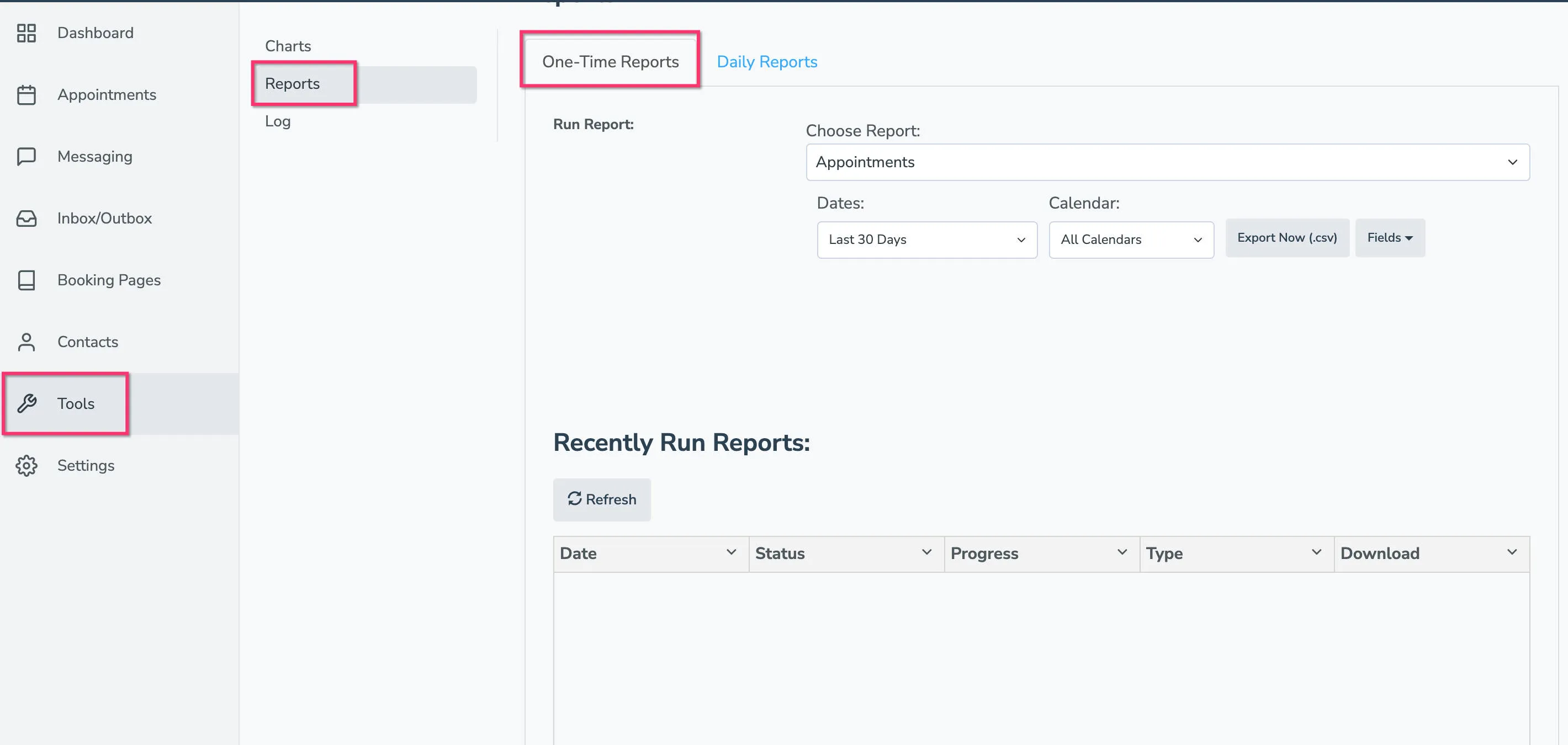
- Open the Tools > Reports tab.
- Find the Choose Report dropdown and select Appointments.
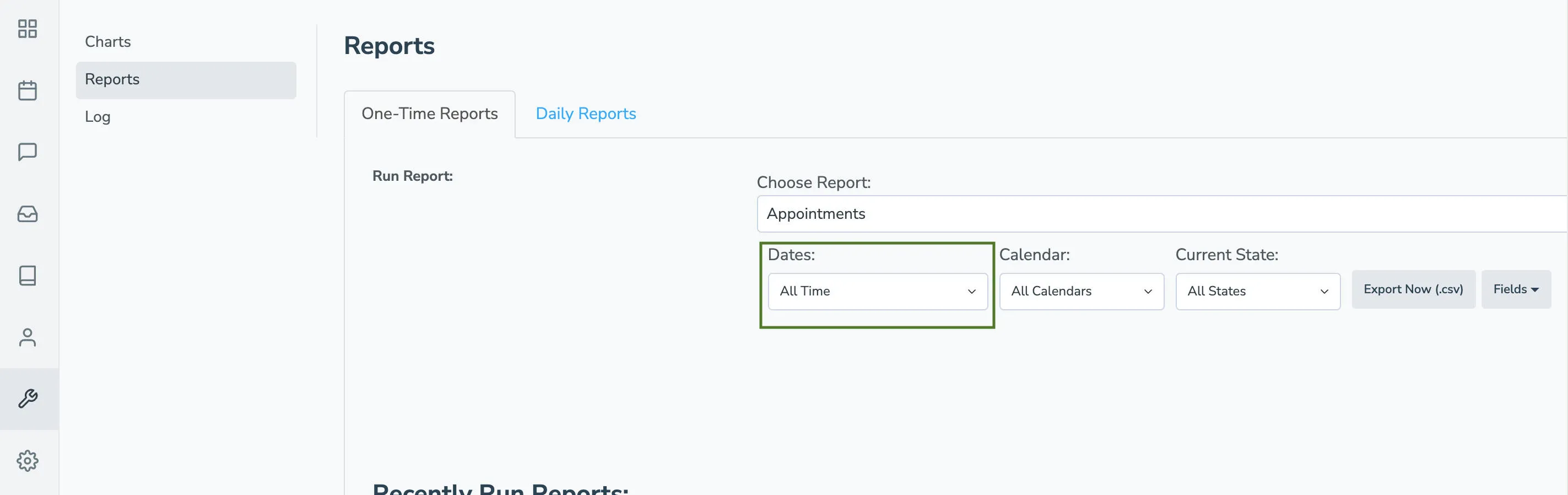
- Under the Dates field, select All Time.
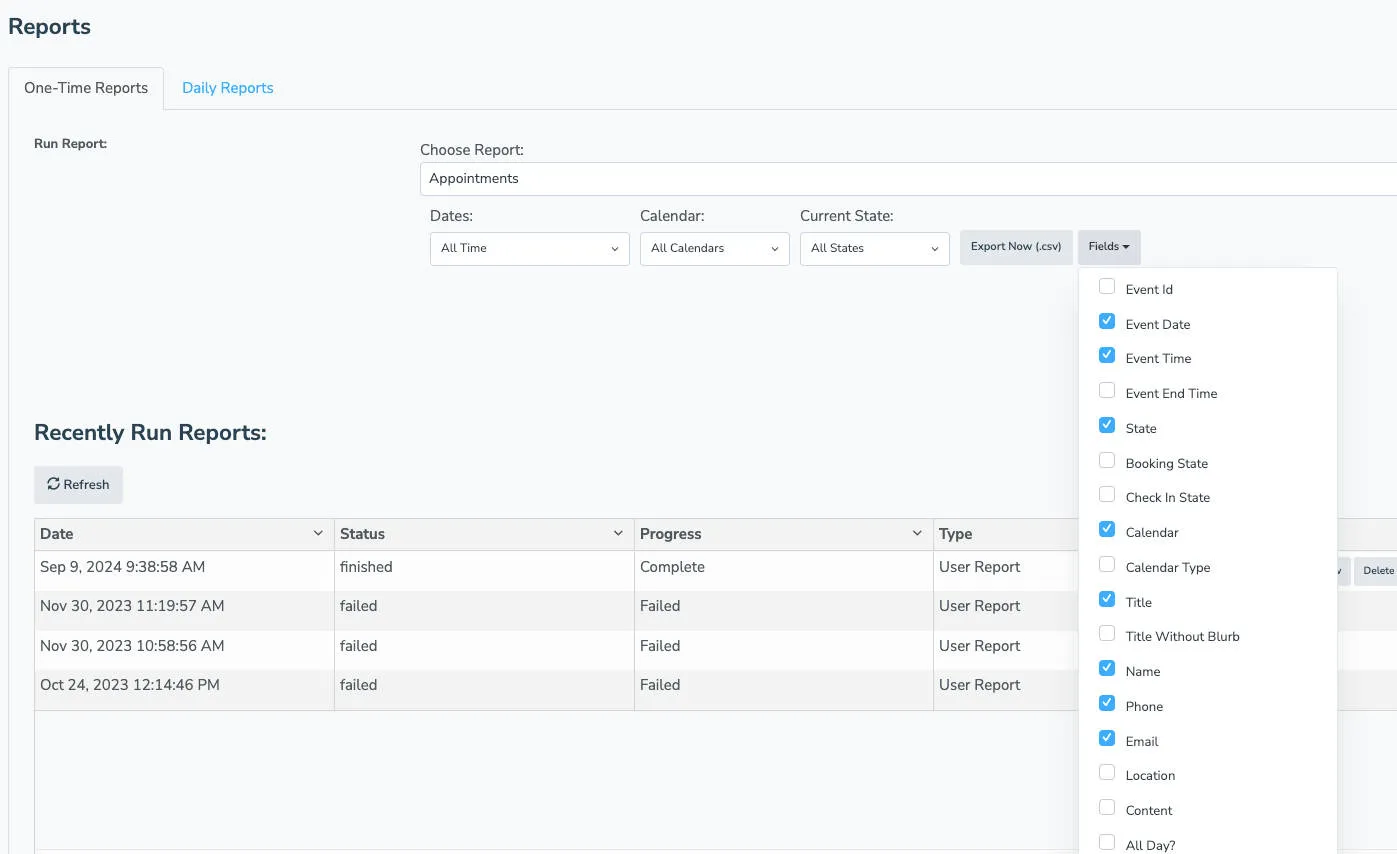
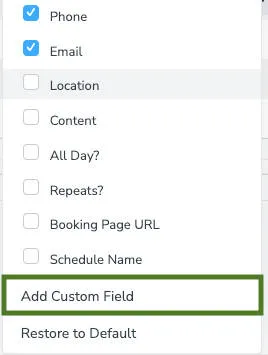
- Click the Fields dropdown and select all the data columns you want included in the export.
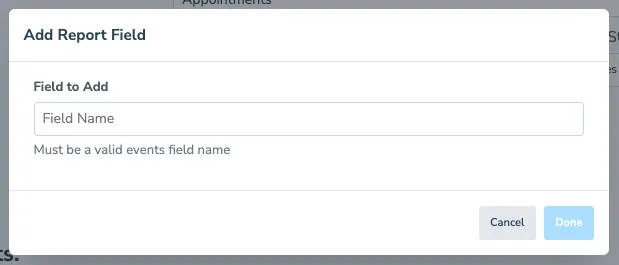
- If you used custom fields in your events, click Add Custom Field and enter each field name. Repeat this step for each custom field you would like to include.
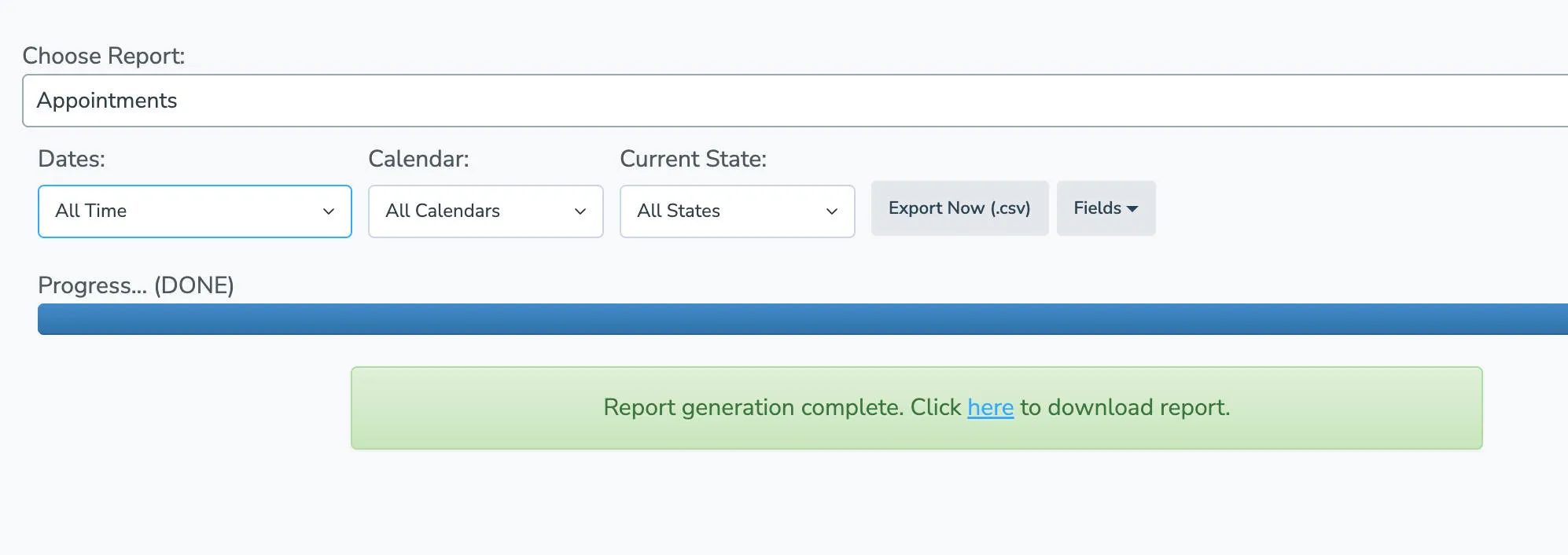
- Click Export Now (.csv). Wait for Apptoto to finish generating the file, then download it from the account portal.