
Get Started with Apptoto
Your Complete Appointment Management Platform
Section titled “Your Complete Appointment Management Platform”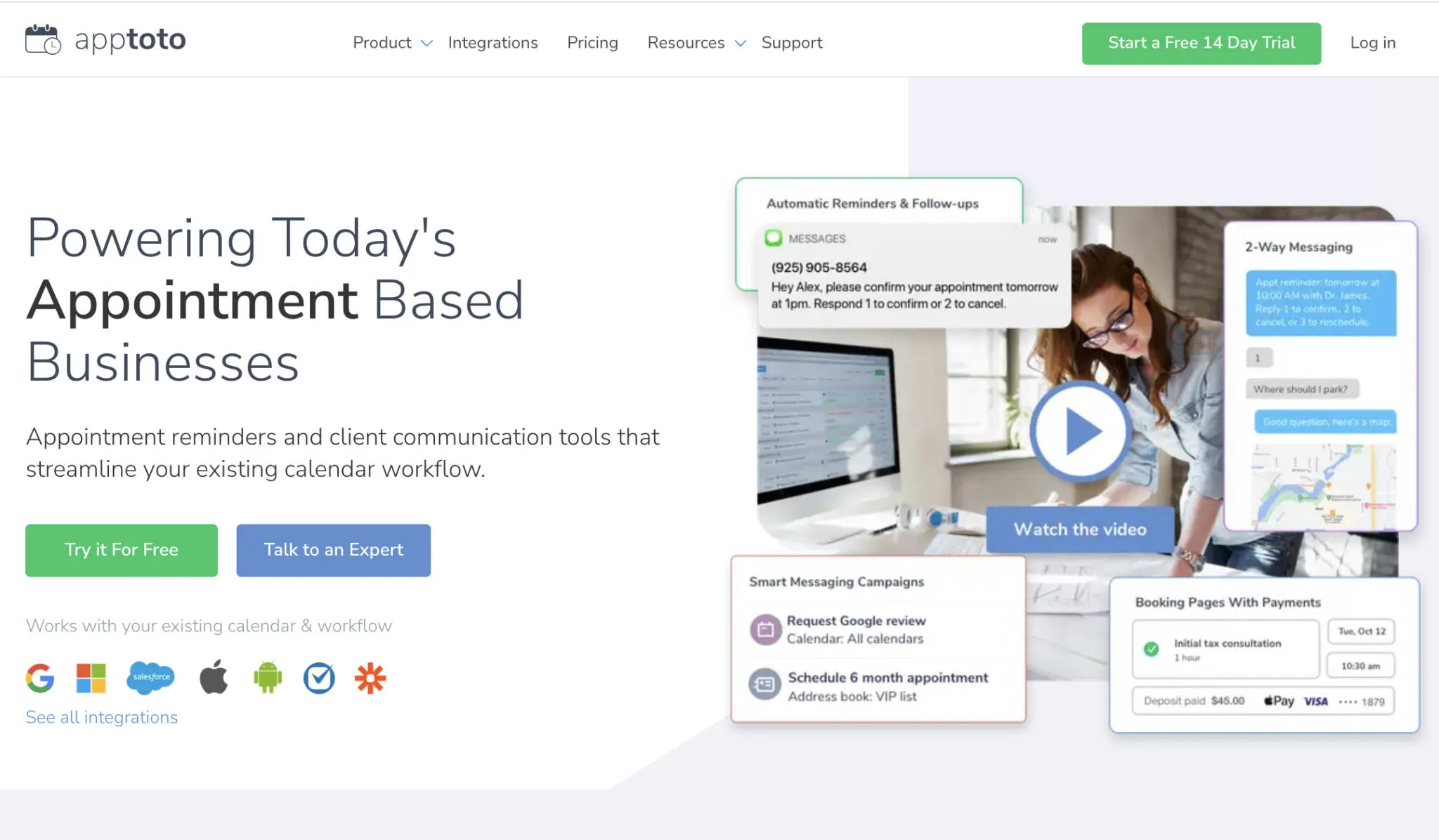
Apptoto is an automated appointment reminder, messaging, and online scheduling platform. It connects to your existing calendar and contacts, then automatically sends text messages, emails, and voice calls to keep your clients informed — before, during, and after their appointments.
If you’re dealing with no-shows, spending hours on the phone confirming appointments, or struggling to keep your schedule up to date, Apptoto is built to handle that for you.
There is a vast degree of customization and configuration available within Apptoto, and the next few pages will help you get up and running quickly with the basics of a new Apptoto account.
How it works
Section titled “How it works”Apptoto reads appointments from your calendar and (if enabled) extracts participant contact information from your events. It then sends reminders, confirmations, and follow-up messages on your behalf, automatically, on a schedule you control.
You can use Apptoto to:
- Reduce no-shows by sending SMS, email, and voice reminders before appointments
- Collect confirmations and let clients cancel or reschedule directly from a message
- Accept online bookings through a shareable booking page that writes directly to your calendar
- Run contact campaigns to send messages to groups of clients or prospects
- Reply to clients from a shared inbox, on web or mobile
- Collect payments at the time an appointment is booked, or via text/email afterwards
- Generate new reviews to enhance your business’s online reputation
Setup path
Section titled “Setup path”This guide walks you through everything you need to get up and running. Follow the steps in order to go from a new account to automated reminders.